In Beta · every feature is free
Edit RAW photos where they live.Publish the ones you love.
A RAW editor, library and portfolio that never uploads your files on its own.
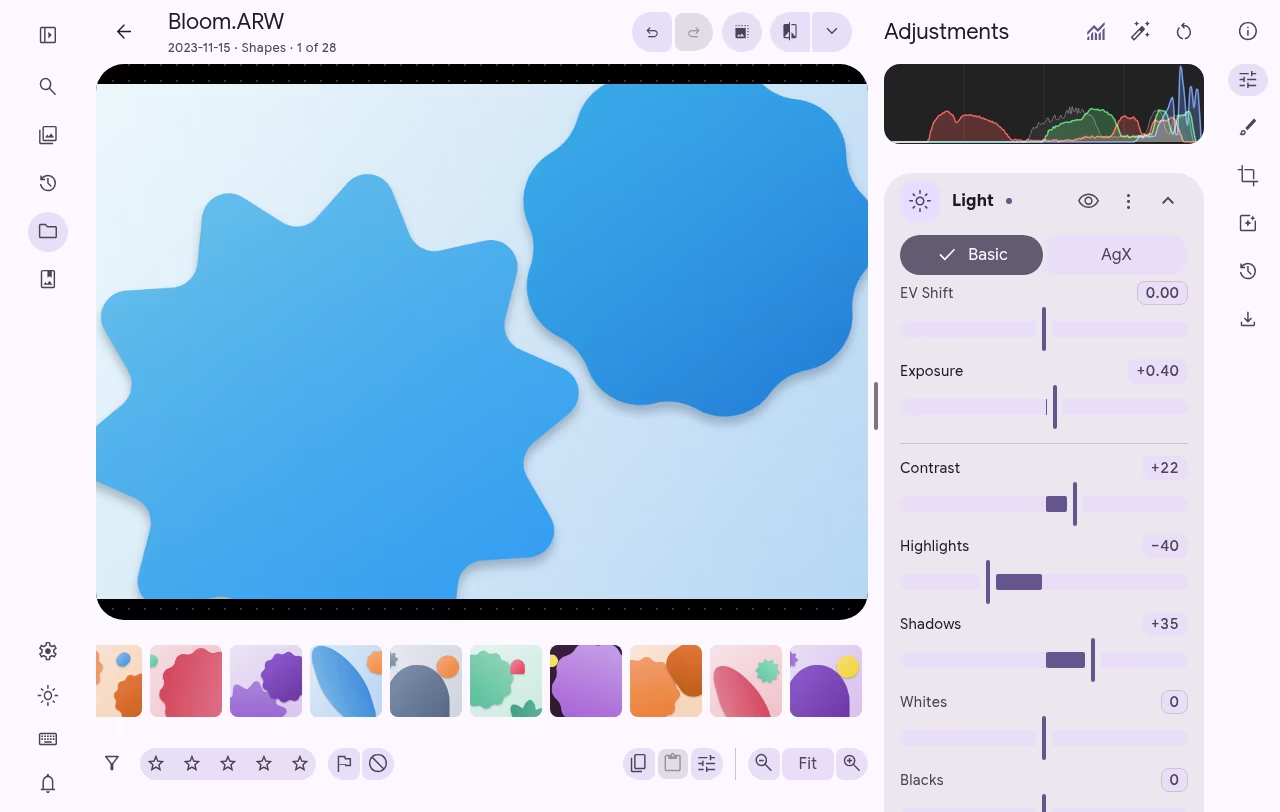
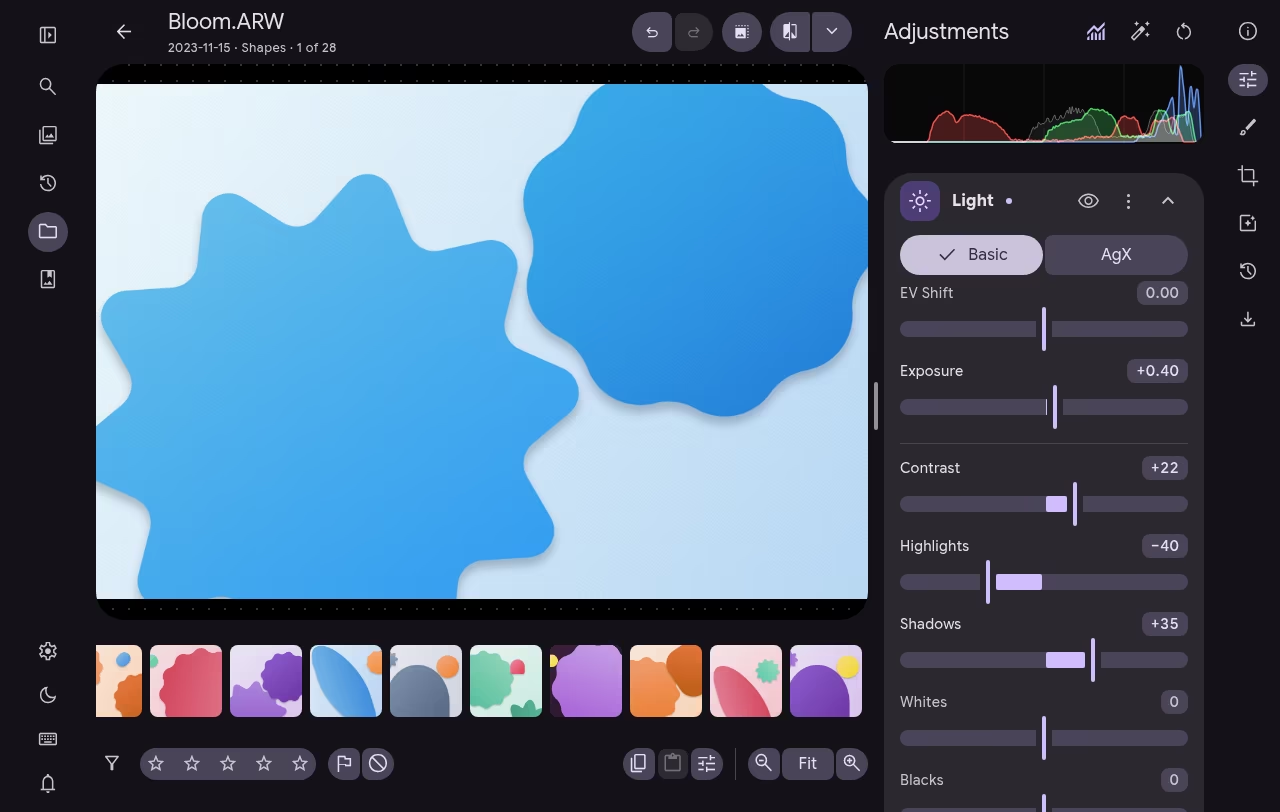
Privacy
Your photos stay where you put them.
Litria works on the folders you pick, on your own computer. There's no import copy, and nothing is uploaded unless you choose to.
Local-first
Litria reads the folders you choose and keeps your edits as separate recipes. It never moves, renames or overwrites a photo.
Nothing uploaded unless you choose
Litria never sends a RAW anywhere on its own. When you publish, only a compressed copy goes online, never the original file.
Works offline
Editing runs on your own hardware, so the desktop app needs no connection at all.
Features
Everything after the shutter click.
A RAW developer, a fast library and a portfolio, in one app that runs on your computer.
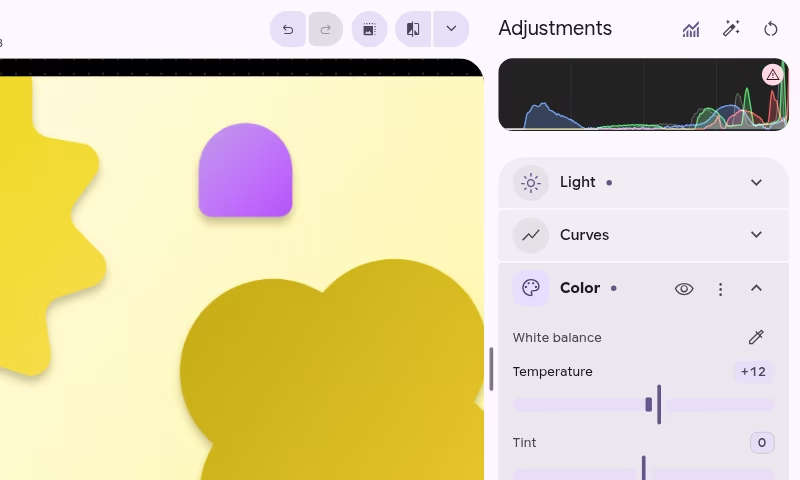
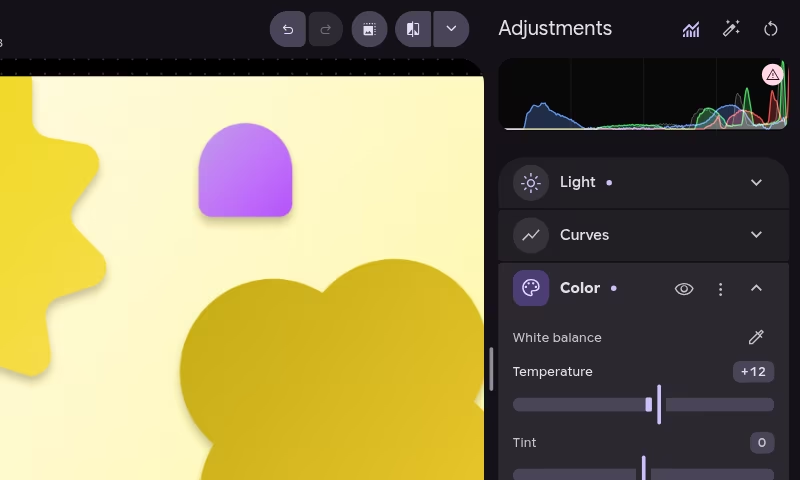
RAW editor
Light, color, curves, color grading and effects, developed from the full RAW on your GPU. Auto gives you a starting point.
Masks
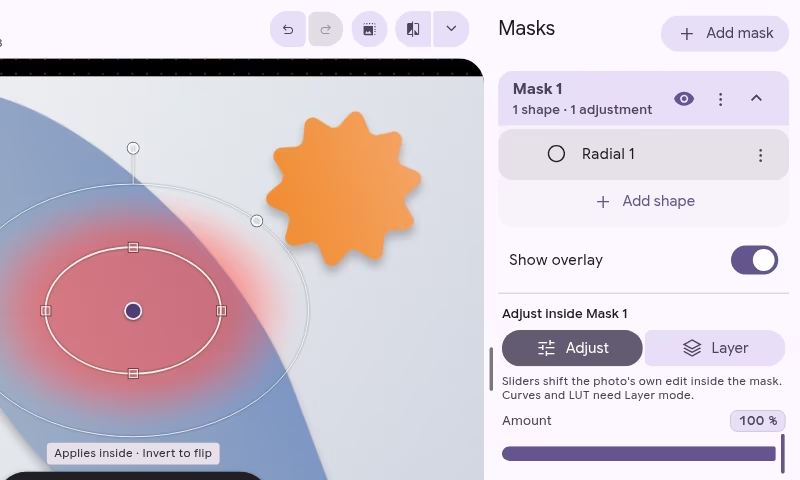
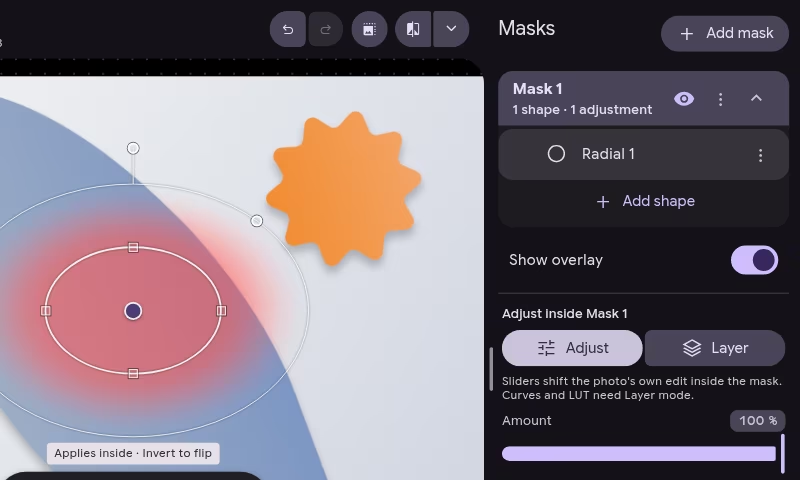
Paint with a brush, draw linear and radial gradients, or select by luminance and color range, then adjust just that area.
Presets and LUTs
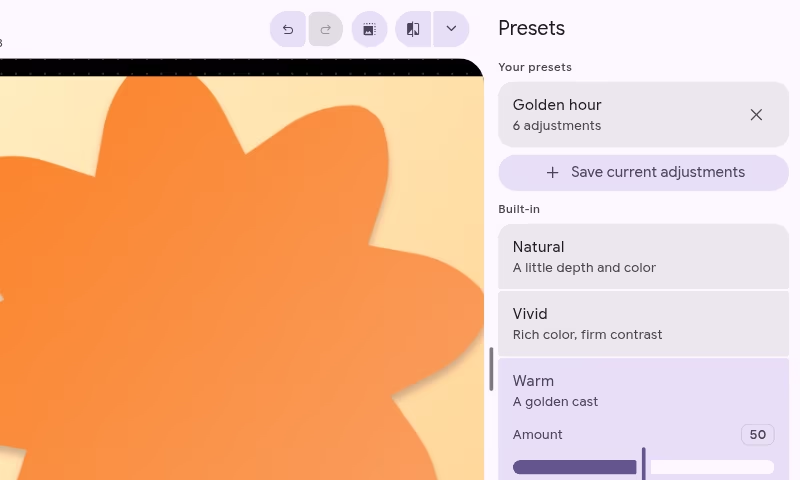
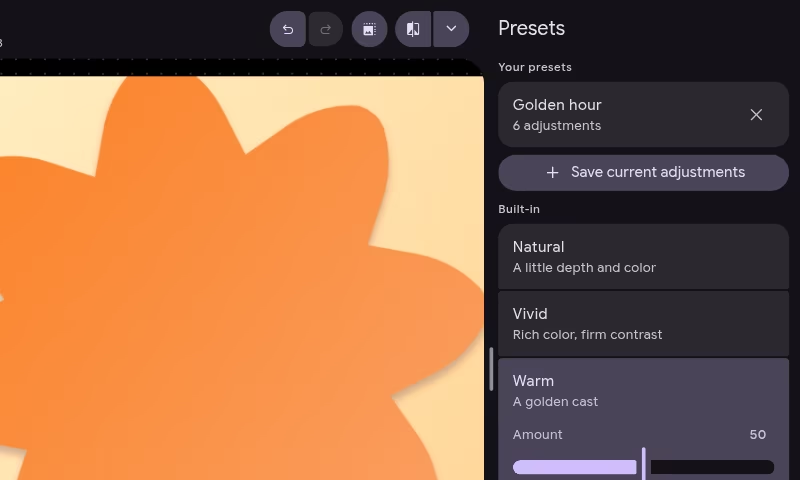
Save a look and apply it in one click. Import .cube LUTs or start from the looks that come with Litria.
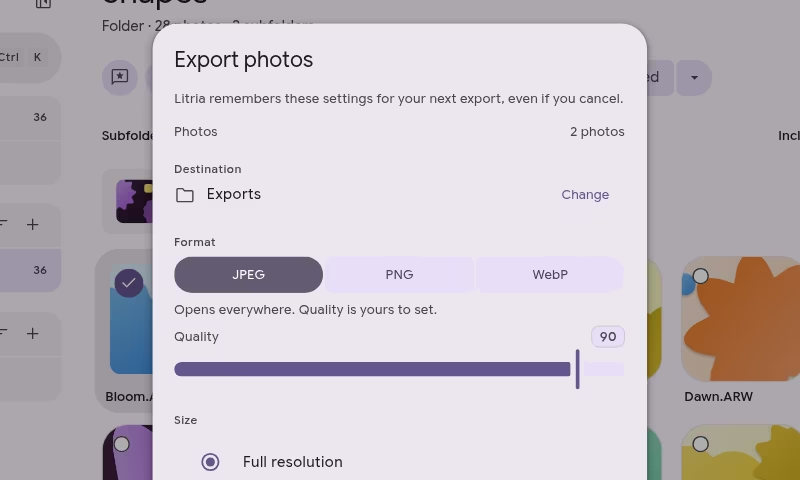
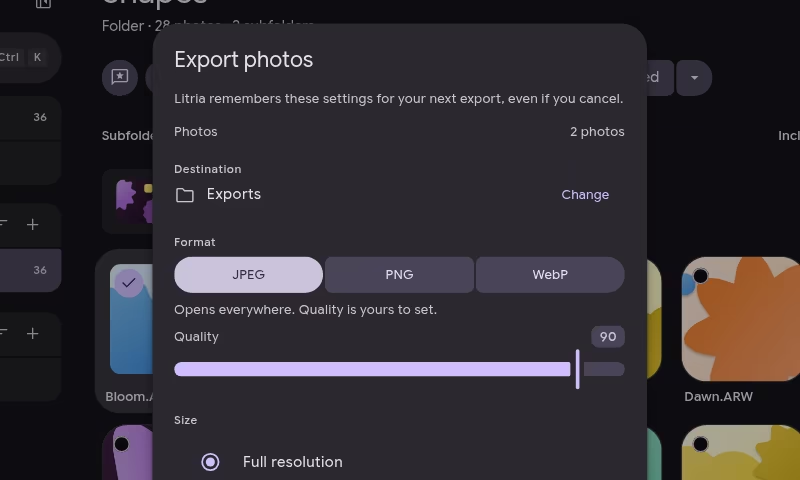
Export
Export one photo or a whole selection to JPEG, PNG or WebP. You decide the size, the quality and whether location goes along.
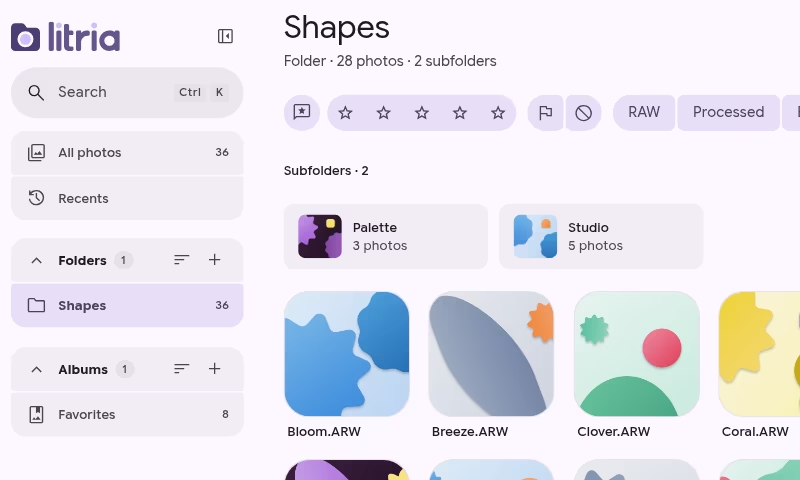
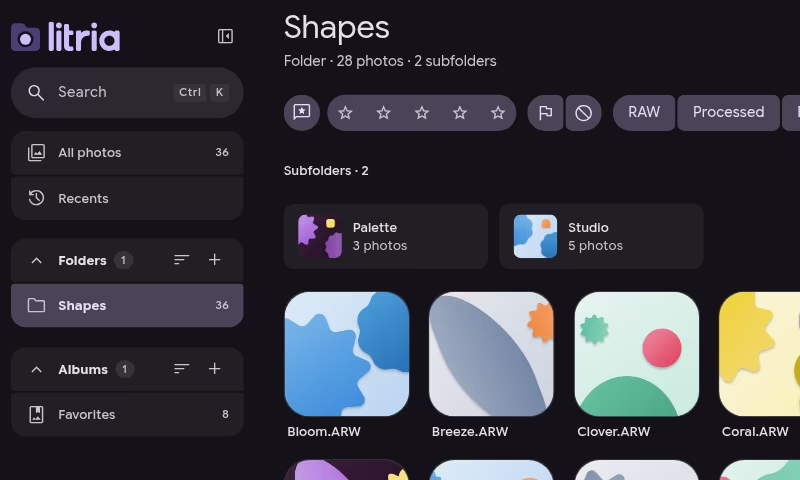
Library
Rate, flag and reject as you cull. Search every folder at once and filter by rating, flag or file type.
Portfolios
Publish an album as a portfolio page. Only a compressed copy of each photo goes online.
Coming soon
Free while Litria is in Beta
Every feature, no account needed to edit.
Download
Open it in Chrome, or install it.
The web app and the desktop app are the same Litria, with the same local-first rules.
Web app
Chrome or Edge on a computer, or Chrome on Android. Nothing to install.
Linux
An AppImage for 64-bit x86 that runs on most distributions.
macOS
One app for Apple Silicon and Intel Macs.
How to open Litria on a MacWindows
An installer for 64-bit Windows.
The installer isn't signed yet, so Windows SmartScreen shows “Windows protected your PC”. Click More info, then Run anyway.
The web app needs a browser that can keep and write to folders: Chrome or Edge on a computer, or Chrome on Android. Other browsers, including every browser on iPhone and iPad, show a notice instead.