What is new in Litria.
Yes. Litria is a free RAW editor and photo library with a desktop app for Linux, an AppImage for 64-bit Intel and AMD machines. It edits the photos in your own folders, with no import and no account.
Yes. Litria is a free RAW editor that runs in Chrome or Edge on a computer and edits the photos in your own folders, on your device. Nothing is uploaded unless you publish it.
Litria works on your photos where they are, on your device. You need no account to edit, and a photo leaves only when you publish or attach it.
Export one photo or a whole selection to JPEG, PNG or WebP. Choose the format, size, metadata and folder, and Litria never replaces a file.
Litria 1.1 stacks similar shots for culling, adds a Menu tab on phones, runs in Firefox on a computer and writes star ratings to XMP sidecars.
Litria comes with eleven looks, saves your own presets and reads .cube LUTs. Here is how to apply a look, set how strong it is and keep your own.
A mask keeps an adjustment to one part of a photo. Paint it, draw a gradient, or select by brightness or color, then adjust only what the mask covers.
The library has a Sort button now. Sort by date taken, name or rating, keep another sort for one folder, and put an album's photos in your own order.
Culling is picking the photos from a shoot worth editing. In Litria's library you add the folder, mark photos with a key and filter to the keepers.
A walk through Litria's editor: opening a RAW file, the adjustments, the histogram, Auto, and before and after. Your photo file is never overwritten.
Everything that runs on your device is free on every plan. Litria Pro is for what Litria hosts for you. Pro costs $5 a month or $50 a year.
A free RAW editor and photo library for the folders on your device. How Litria compares with Lightroom and others, and where it falls short.
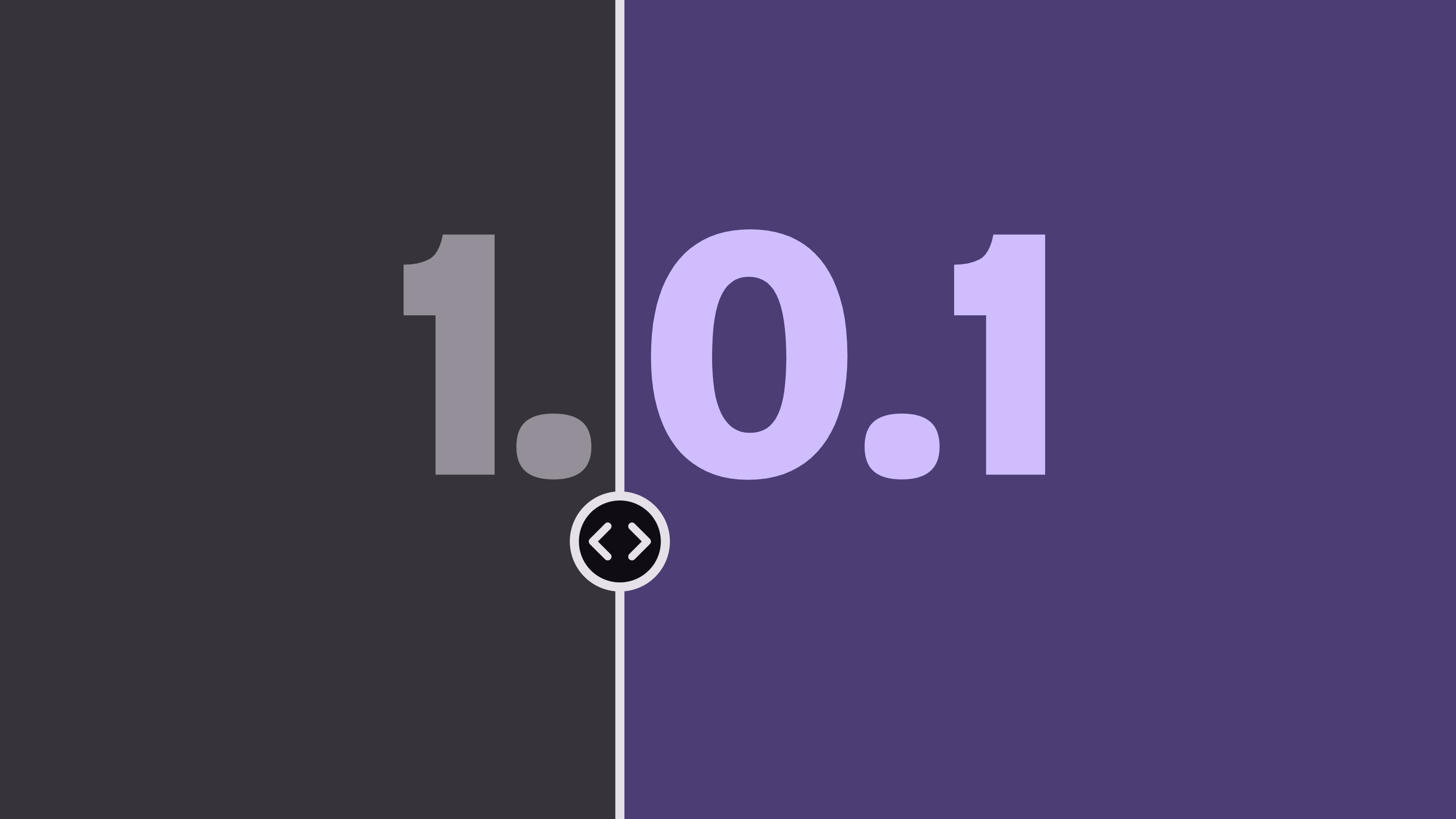
Litria 1.0.1 adds a zoom slider, a one-tap link button for albums and an Install button, and fixes removing folders, Export sizes and Delete account.
In Litria 1.0 every album is a page you edit in place, your portfolio gets its own place, tags group photos across folders, and more raw files open.
The Library and the filmstrip work from the keyboard, photos can go in your own order, opening a photo shows a soft glow, and Litria loads faster.
Crop gets a Done button and an undo step per change, portfolios and albums share one design with a full-screen view, and glow spreads a smooth halo.
Photos open in the editor at once, arrow keys step through a shoot, the filmstrip filters like the Library, and masks get more room for adjustments.
The one thing Litria writes into your folders is a .litria folder of catalog backups: what one holds, how often it is written and how to restore it.
The last pass on a photo: crop and straighten, sharpen and reduce noise, add a vignette, grain or glow, then check the result at actual pixels.
A closer look at Curves and the color tools in Litria's editor: the point and slider curves, the Color Mixer, Color Calibration and Color Grading.
Litria runs in Chrome or Edge, but not only in a tab. What the desktop app adds, how to install the web app, and Litria in Chrome on Android.
Publishing puts an album online, with your edits, for the people you choose. How to make an album, publish it, pick who sees it and share it.
Every Litria account has a portfolio page at litria.app/@ that shows your public albums. How to set your handle and profile, and what the page shows.
Litria is a RAW editor and a photo library that work on the photos in your own folders. It is in Beta now, and editing needs no account.