What's new in Litria 0.41
Crop gets a Done button and an undo step per change, portfolios and albums share one design with a full-screen view, and glow spreads a smooth halo.
Litria 0.41 reworks cropping, gives published pages one design, and fixes a handful of things you may have run into in the editor and the Library.
Cropping, reworked
Open Crop from the rail, press C, or press Crop on a phone. On a computer, the crop tools take the place of the develop panel and the photo keeps the whole stage. On a phone, they sit in a dock under the photo.
- Pick a ratio: Free, Original, Square, 5:4, 4:3, 3:2 or 16:9. The orientation toggle turns the box between portrait and landscape, and toggling twice gives you back the same box.
- Drag outside the box to straighten the photo. An angle shows above the box while you drag, and the straighten dial does the same in finer steps.
- When you let go of a drag, the view zooms to the box, so a small crop fills the screen.
- Every change, a ratio, a rotate, a flip or a drag, is its own undo step.
- Press Done, or Enter or Esc, when you're finished. Every change is already in the undo history, so leaving crop never throws anything away.
One design for portfolios and albums
Your portfolio and your published albums now look like one site. Both have the same slim bar, with a ⋮ menu that holds Copy link and Report, and the same footer.
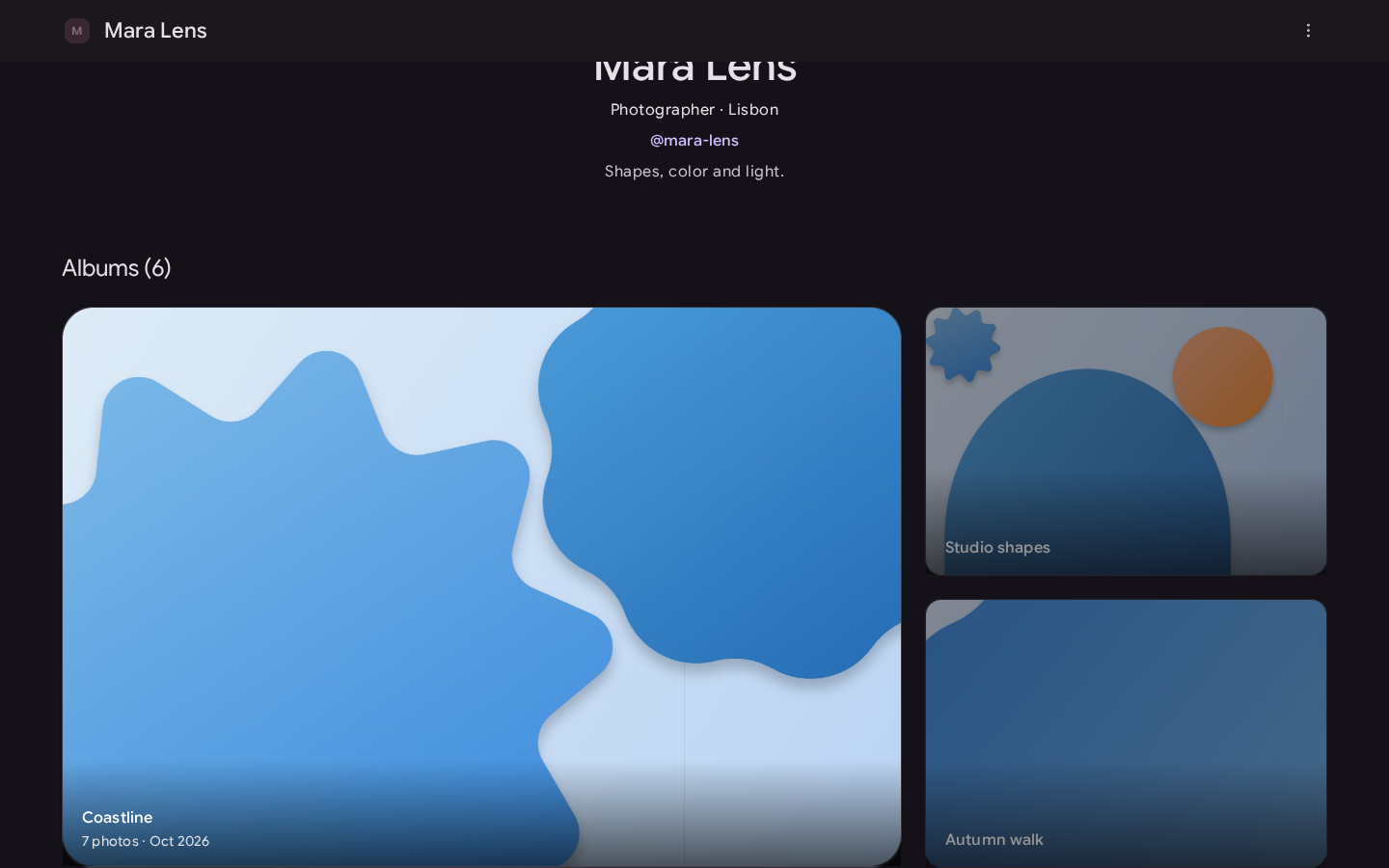
- Album covers on a portfolio are cards that respond to hover and focus, with the album's name over the photo on wider screens.
- Press a photo in an album to see it full screen. Step through the album with the arrow buttons, the arrow keys or a swipe, and press Esc to go back.
- An album that your portfolio lists gets a Portfolio button in its bar, so visitors can find the rest of your work. An album you haven't listed doesn't name you.
A smooth halo from Glow, Halation and Light flares
Glow, Halation and Light flares used to scatter speckle around bright highlights, more so at high amounts. They now spread a smooth halo. At high amounts it looks a little softer and brighter than before, because none of the light is lost to speckle.

More room for the photo
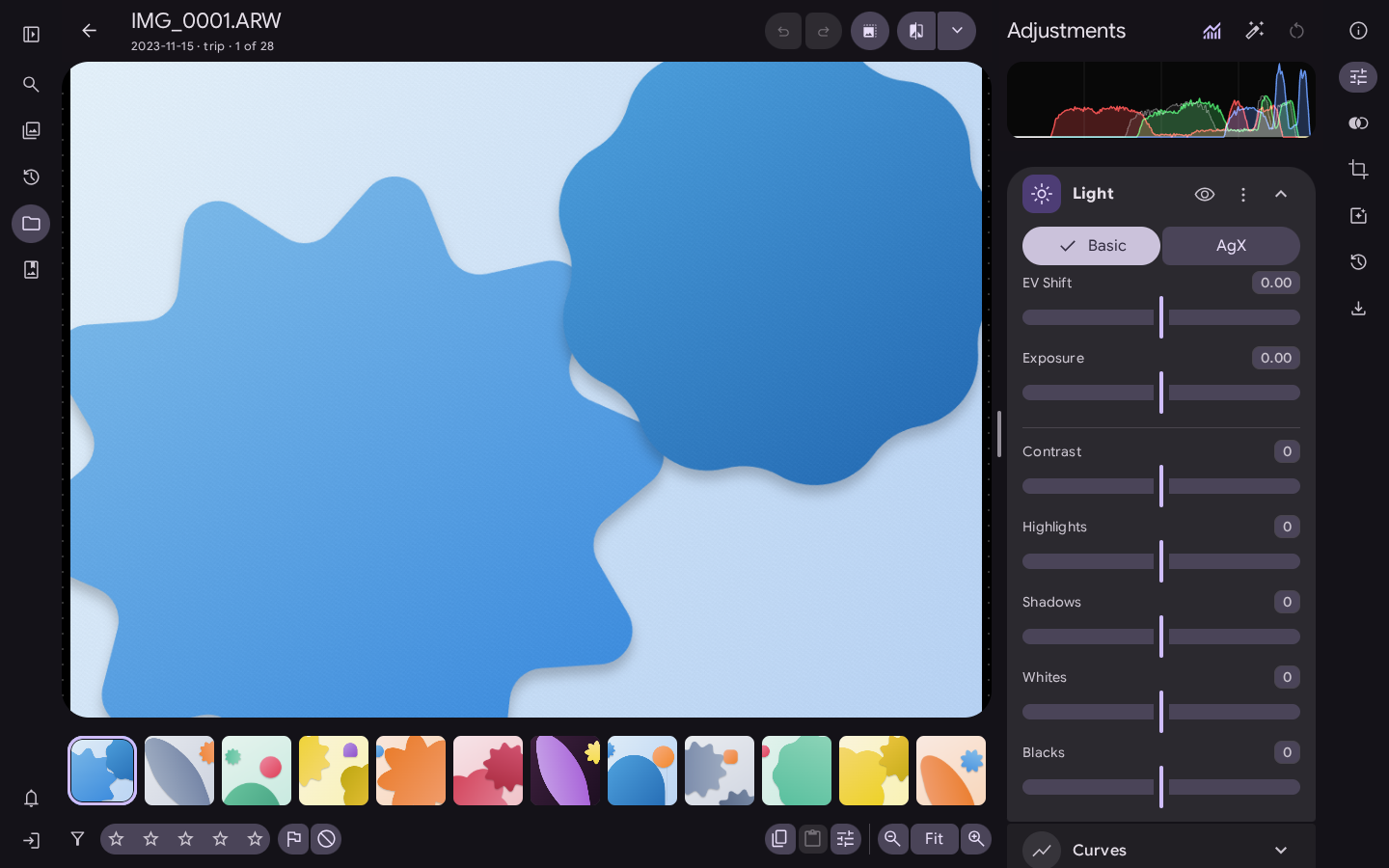
The filmstrip and the bar under the photo in the editor are tighter, and the collapsed sidebar is narrower, so the photo gets more of the window. Thumbnails and touch targets stay the same size.
Fixes in the Library
- Opening a photo and going back no longer changes the order of the folder grid. Litria now reads each photo's capture date when it first scans a folder, so photos sort by the date they were taken from the start.
- Pressing a folder or album after scrolling a long way through a big collection no longer freezes the page.
The desktop app
The desktop app is available for Linux and Windows. On a Mac, use Litria in Chrome or Edge.
Open Litria
Open Litria in Chrome or Edge, or download the desktop app.